
Agree the checks. Repeat the round. Review what changed.
How robotic inspection works
Your team agrees what to check. The robot repeats the round and records each inspection point. Your team reviews what changed and decides what to do.
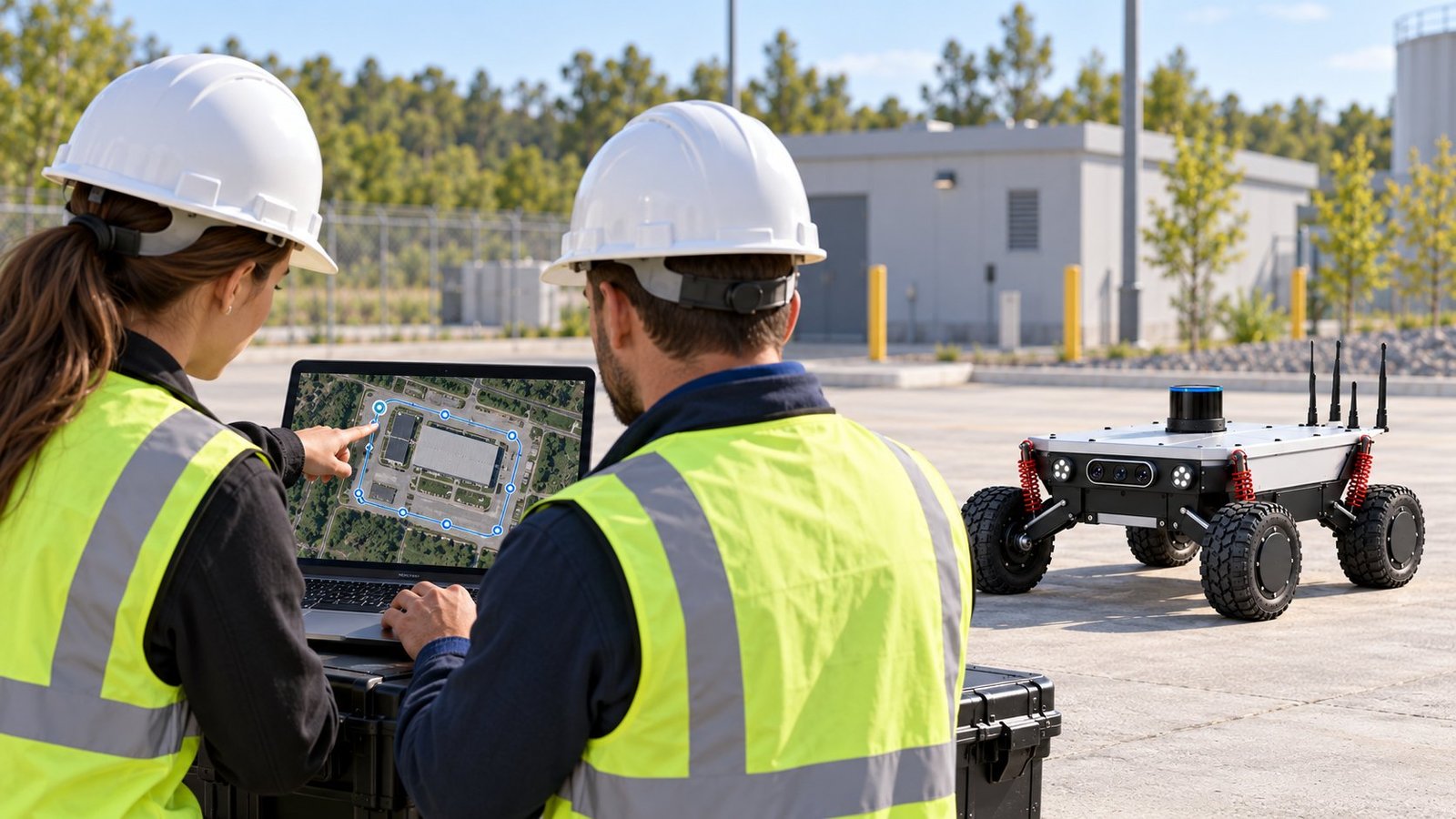
Step 1: The Setup
It starts with your team and ours
Your site lead and our engineer sit down with the site plan. Together they mark each checkpoint, agree what normal looks like and save a reference image. Every round after that is compared with it.
Walk the site
Mark the checkpoints
Save the route
Step 2: The Round
Then the robot runs the round
This is a robotic inspection round on a construction site. The robot follows the saved route and checks each point against its reference image.
A silent 15 second demonstration of the operator software for a construction site, with sample data and simulated imagery. It shows the site plan with the robot route, a 3D view, front and side camera views with identifier labels, the detail of an asset reported as not found compared with the site record, and the exceptions list.
The steps move with the video. Select a step to jump to it.
Step 3: The Finding
When something changes, your team sees it
Review the image, time and location, then decide whether to follow up.


Flagged for review
Generator not seen in expected bay
- Checkpoint
- Generator bay
- Captured
- 13:00, latest round
Your team decides whether to follow up.
- Alerts come to your team
- Watch any round live
- Your team makes the call
Why It Matters
Your people cannot check everything, every night. Our robots can.
- Checks take hours on footRepeated by the robot, day and night
- Every walk is a little differentSame checks from the same position
- Notes are hard to compareAn image, time and location for every change

Outdoor robot
Construction sites and container yards
- Faster yard checks
- Evidence for damage claims
- Reefer issues spotted sooner

Indoor robot
Data centres and plant rooms
- Equipment checked in place
- Thermal or leak checks with an added sensor
- Checks carry on out of hours
Every site includes training for your staff and our monthly support plan.
FAQ
Your questions about robotic inspection, answered
What does an inspection robot actually do on site?
It repeats the checks your team already does on foot. It follows a set route, stops at agreed points, records images with the time and location, and flags anything that does not match what normal looks like. Your team then reviews those findings.
Does the robot need someone to supervise it?
No. The robot is trained to work inside a set area and runs its rounds on its own. It sends alerts to your team when something needs attention, and your team can watch any round live whenever they want to.
Can it work at night?
Yes. Onboard lights cover the route and each inspection point, so rounds can run after dark. That suits sites where checks are hard to staff out of hours.
What happens if something blocks its route?
The robot either finds a safe alternative route or waits for a temporary blocker to clear, then carries on with the round.
Who trains our staff?
We do. Our team trains your staff to operate the robots and use the app, so your people know how to start rounds, review findings and follow up alerts.
What support do we get once rounds begin?
Ongoing support is part of our monthly support plan. We stay in touch with your team and adjust the route and the checks as your site changes.
How does the robot know what counts as a change?
You tell it. During setup we agree what normal looks like at every inspection point. If the robot later sees something different, such as a gate left open or equipment outside its bay, it flags it for your team to check.
Can your software run on a robot we already own?
Yes. Our inspection software can be integrated with another robotic vehicle, with the hardware interfaces and scope agreed in advance.
See the Software page for how that works.
How do we get started?
Start with one route. Tell us what your team checks today and what you need on record, and we will look at whether it suits a pilot.
Work With Us
Start with one route on your site
Tell us which check your team repeats every week. We will walk the site with you and show you what a pilot would look like.